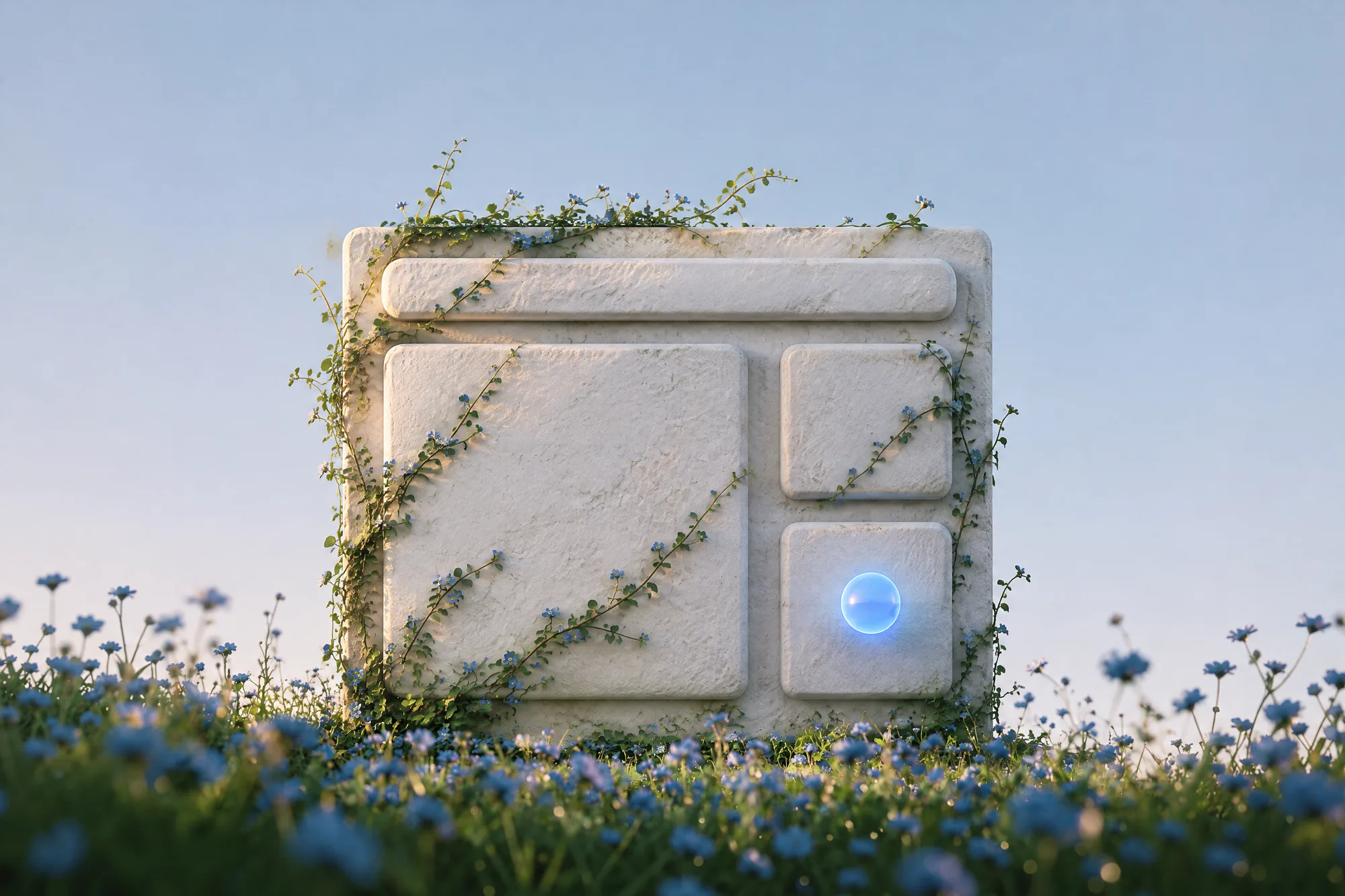
Design that helps people find what they need and take the next step
We design websites, apps and software that make it easy for people to find what they need and complete their next step. We map how people move through the product and prototype key screens before development.
When UX/UI design makes sense
Design work pays off before development starts, while changes are still cheap, and when an existing website, app or system confuses users, creates support questions or loses people before they finish a task.
We design websites, mobile apps and business software. The design can be handed to your developers, but it is most useful when the same team carries it into development.
What we can build
User flows
A map of how people move through the product, from the first visit to a finished task, including where they get stuck today.
Wireframes
Simple layouts of the key screens that settle structure and content before visual design.
Interface design
Clear, consistent screens for desktop and mobile, with readable type, accessible contrast and a state for every step.
Clickable prototypes
Prototypes of key screens that you and your users can try and comment on before anything is built.
Design ready for development
Components, spacing and states documented, so the design is built the way it was intended.
From how people work to screens they understand
We start with who uses the product and what they need to get done. We map the flows, sketch the key screens and test them as a clickable prototype with you and, where possible, with real users.
Once the structure works, we design the final interface for desktop and mobile and hand it over ready for development, or build it ourselves.
See the work behind the service
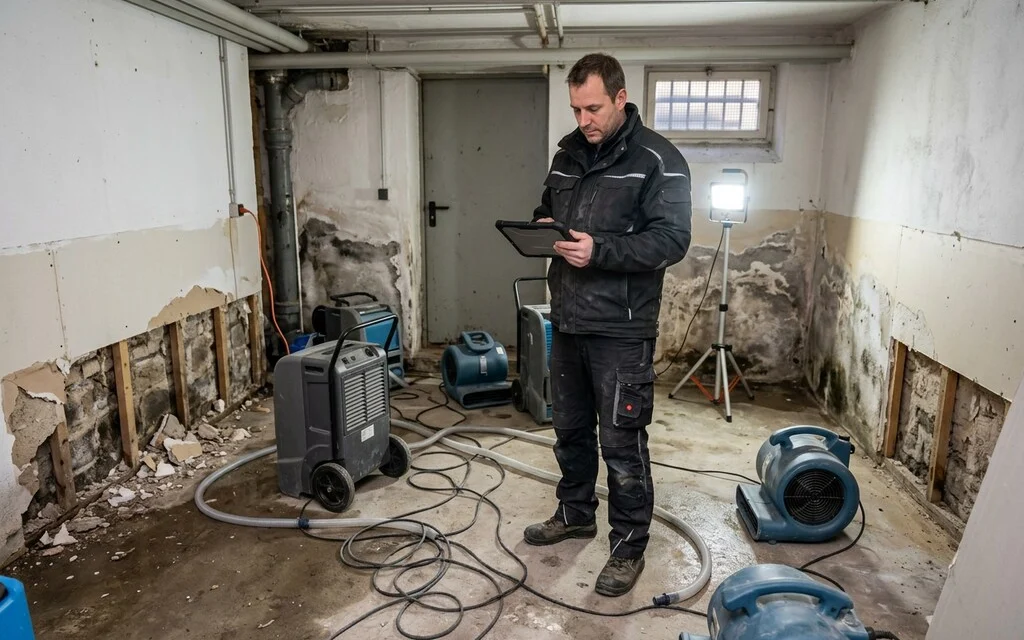
Maxsan Tracking
Separate office and field views, each designed around what that role needs to see and do.
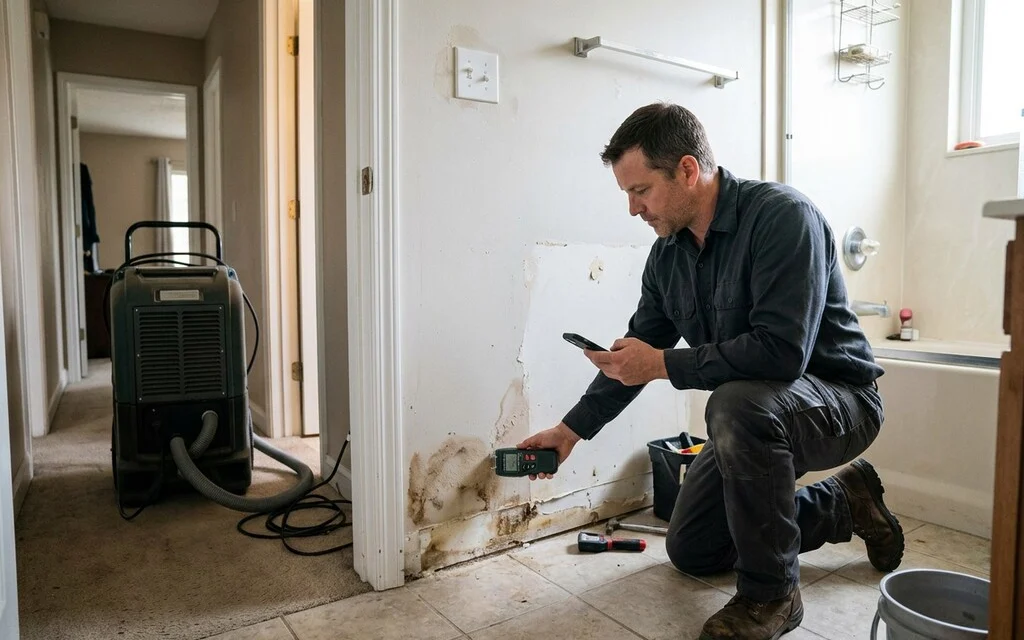
Fieldwork
A phone interface designed for quick entries on site, with wet hands and patchy signal.
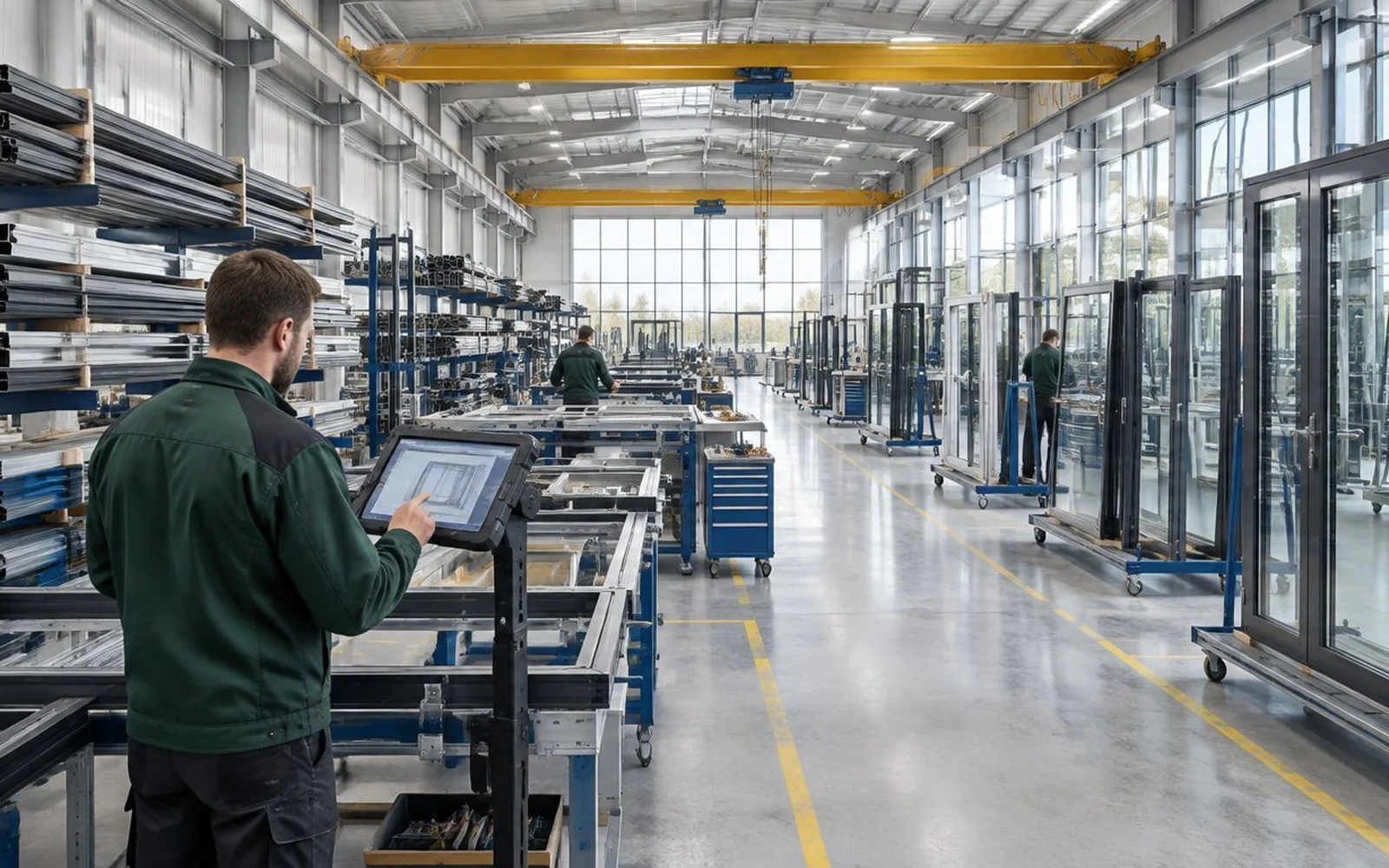
KBK Production
Station screens that show each operator only the job and the next step in front of them.
Common questions about UX/UI design
Can you redesign an existing product?
Yes. We review the current product, look at where people get stuck and redesign the flows that matter most, without changing what already works.
Do you only design, or also build?
Both. We can hand over a design ready for your developers or build it ourselves, so the result matches the design.
Can we test the design before development?
Yes. Key screens are prototyped, so you and, where possible, your users can click through them and comment before anything is built.
How long does design take?
It depends on the number of screens and flows. We agree on scope and schedule after the first conversation, once we know what needs designing.
Design the product → people understand
Tell us what people need to do in your product and where they get stuck today.