
Mobile apps your customers and teams actually use
We build iOS and Android apps for customers and teams. Whether people need to book a service, manage an account or get work done on the move, we make those tasks easy to complete on a phone.
When a mobile app makes sense
A mobile app makes sense when people need to do something often, on the move or away from a desk: book, check, record, approve or report. If they mostly read information once, a fast responsive website is often the better choice.
Before development starts, we help you choose between a cross-platform app, a native app and a mobile web app, based on who uses it, how often and which phone features it needs.
What we can build
Customer apps
Apps for booking a service, managing an account, following an order or getting in touch, designed around a few clear tasks.
Field and team apps
Apps for technicians and staff who record measurements, photos, time and checklists on site and send them straight to the office.
Bookings and accounts
Sign-in, profiles, appointments, notifications and payments, connected to the systems your business already uses.
Offline work and sync
Work continues without signal and syncs when the connection returns, so nothing recorded on site gets lost.
Store release and updates
Preparation for the App Store and Google Play, test versions for your team and planned updates after launch.
From the first task to an app in people's hands
We start with the tasks people need to complete on a phone and the moments when they do them. Next, we design the key screens, test them as a clickable prototype and agree on a first release with the features that matter most.
We build for iOS and Android, test on real devices, prepare the store listings and plan updates. Integrations, accounts, notifications and ongoing support are scoped according to the project.
See the work behind the service
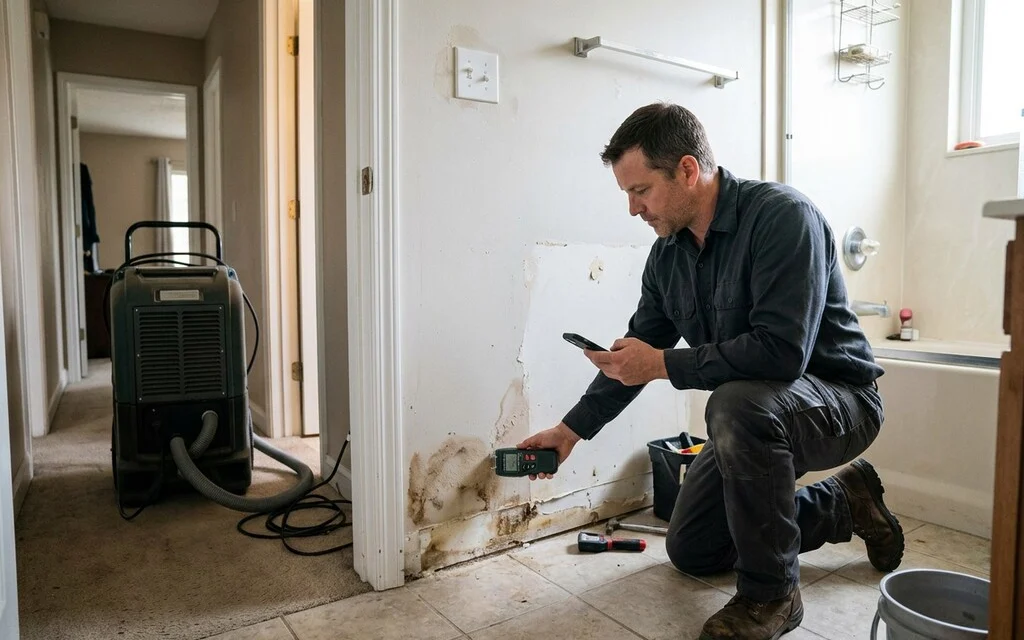
Fieldwork
Our own Flutter app for restoration crews: jobs, moisture readings, photos and reports, in the office and on site.
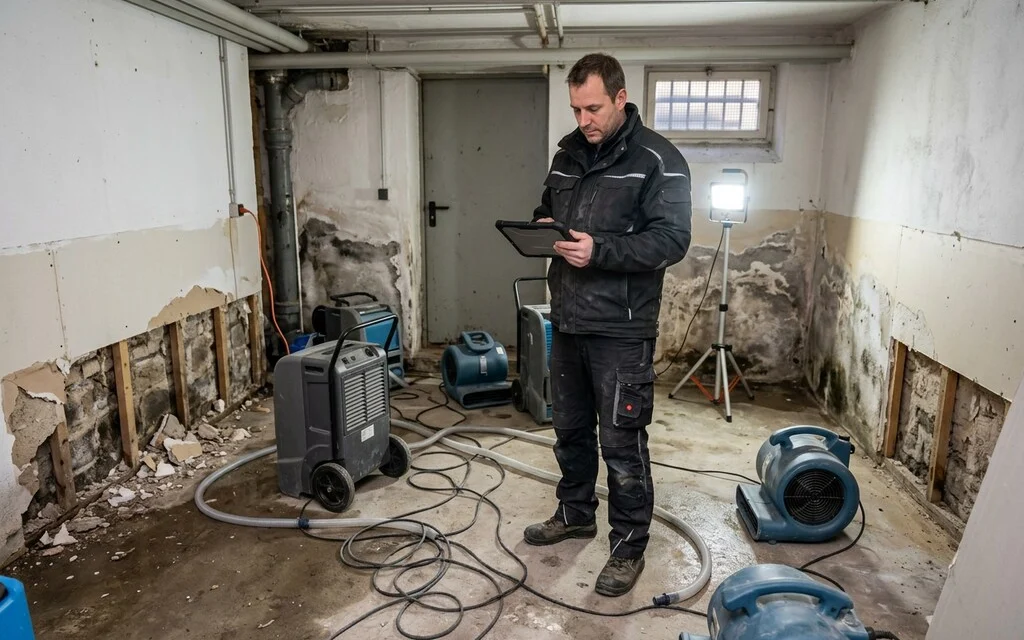
Maxsan Tracking
A web platform with a dedicated phone view for field technicians on restoration jobs.
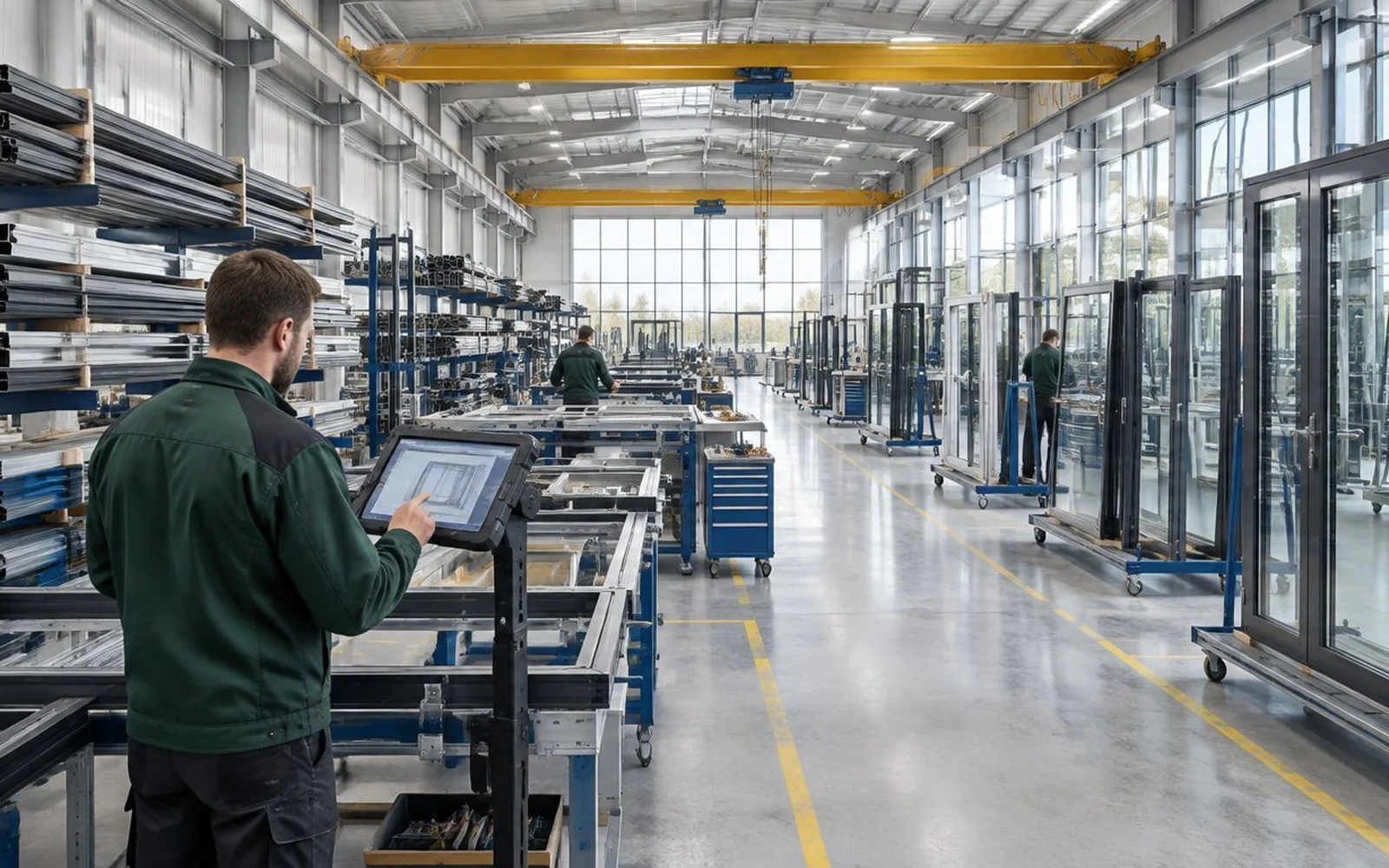
KBK Production
Tablet screens at production stations that guide each job through the manufacturing stages.
Common questions about mobile apps
Do we need separate apps for iOS and Android?
Usually not. A cross-platform framework such as Flutter runs one codebase on both, which keeps cost and updates manageable. We recommend native development when a feature really requires it.
Can the app work without an internet connection?
Yes, where the work needs it. Data is stored on the device and synced when the connection returns. We agree in advance which parts must work offline.
Who publishes the app in the stores?
We prepare the builds, screenshots and store listings and guide the submission. The app is published under your own developer accounts, so you keep ownership.
Can the app connect to our existing system?
Often, yes. We review the available APIs, sign-in and data structure before confirming the integration scope.
Build the app → your team will use
Tell us who will use the app and what they need to get done on their phone.